The s77 deposit page covers everything Filipino players need to know about funding their account — from the accepted payment channels and minimum amounts to step-by-step instructions for GCash, Maya, and bank transfer. All deposits on s77 are processed in Philippine pesos (PHP), and most transfers are credited within minutes so you can get into the game lobby without delay.
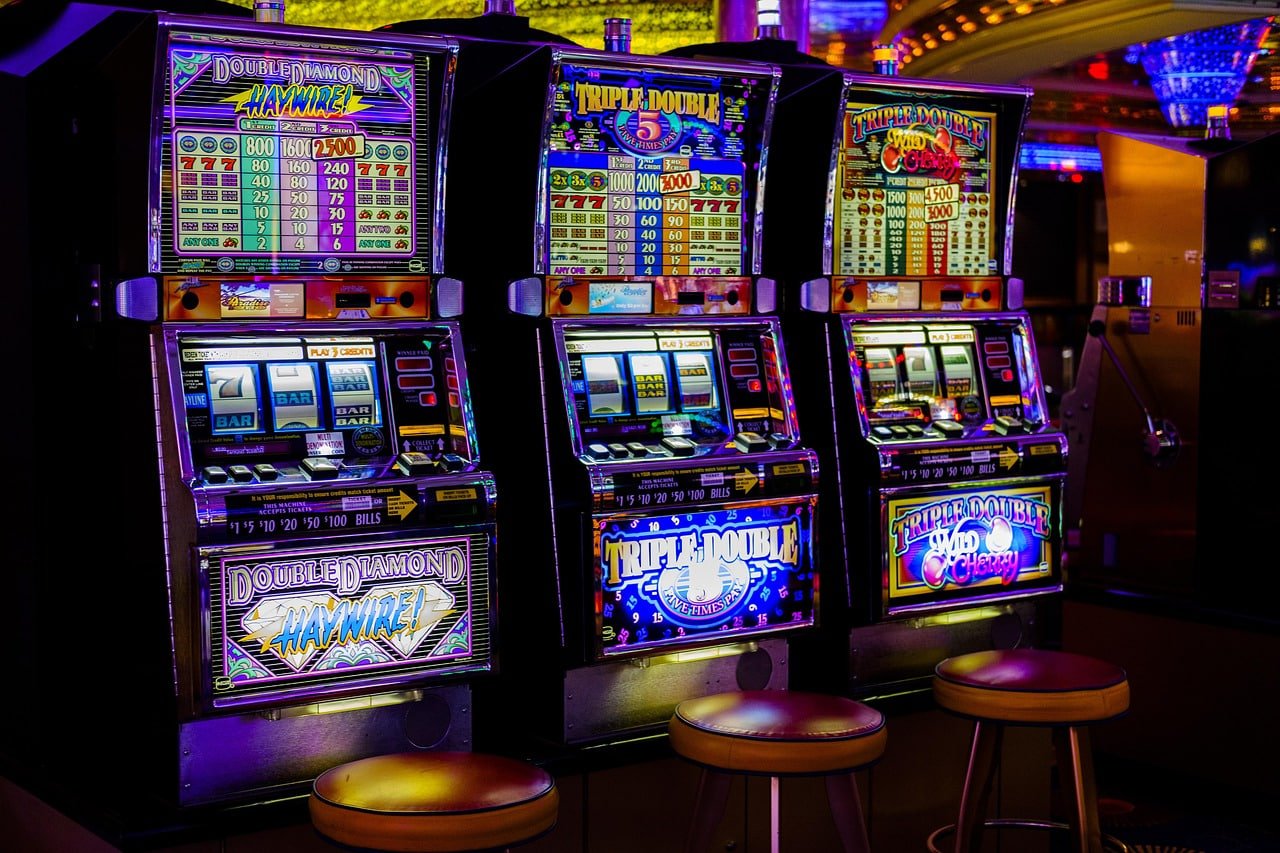
Depositing on s77 is straightforward for Filipino players — you fund your account in Philippine pesos (PHP) using GCash, Maya, or bank transfer, and the balance is credited to your account so you can access the slot game and bingo sections right away. There is no need to convert currency or use an international payment method, since s77 is built specifically around the local payment channels that most players in the Philippines already have on their phones. GCash and Maya deposits are typically processed within a few minutes of completing the transfer, while bank transfers may take slightly longer depending on your bank's processing schedule. The minimum deposit amount is kept accessible so players at all budget levels can participate without needing to commit a large sum upfront. If you have not yet created an account, visit the Register page to sign up for free before making your first deposit.
Three local payment channels available to all registered Filipino players on s77.
GCash is the most widely used mobile wallet in the Philippines and is fully supported on s77 for account deposits in PHP. To fund your s77 account via GCash, log in to your account, navigate to the deposit section, select GCash as your payment method, enter the amount you wish to deposit, and follow the on-screen instructions to complete the transfer through your GCash app. Deposits made via GCash are typically credited to your s77 balance within a few minutes, making it the fastest option for most Filipino players who want to move quickly from the deposit page to the game lobby. The GCash deposit option is available around the clock, so you are not restricted to banking hours when you want to top up your account. If you encounter any issues during a GCash transfer, the FAQ page has a dedicated section covering common GCash deposit queries and how to resolve them.
Maya — formerly known as PayMaya — is the second major mobile wallet accepted on s77, and it works in the same straightforward way as GCash for Filipino players who prefer it as their primary payment tool. To deposit via Maya, select it as your payment method on the s77 deposit page, enter your desired amount in PHP, and authorise the transfer through your Maya app using your PIN or biometric login. Maya deposits are processed quickly and are usually reflected in your s77 account balance within minutes of the transfer being confirmed on the Maya side. The Maya option is particularly useful for players who maintain separate wallets for gaming and everyday spending, since it allows you to keep your deposit activity clearly organised within the Maya transaction history. For a full walkthrough of the Maya deposit process, the FAQ page includes step-by-step guidance alongside answers to the most common Maya-related questions.
Bank transfer is the third deposit option on s77 and is suited to Filipino players who prefer to fund their account directly from their savings or current account at a local Philippine bank rather than through a mobile wallet. The process involves initiating an online bank transfer to the s77 designated account details provided on the deposit page, using your bank's mobile app or internet banking portal. Processing times for bank transfers can vary depending on your bank and the time of day the transfer is initiated — most are credited within a few hours, though some may take until the next banking day. Bank transfer is a good option for players who want to deposit larger amounts or who do not have a GCash or Maya wallet set up on their device. Always use the exact account details shown on the s77 deposit page and include any reference number requested to ensure your transfer is matched to your account without delay.
If you do not yet have an s77 account, visit the Register page and complete the free sign-up form. Existing players can go straight to the Login page to access their account.
Once logged in, navigate to the Deposit section from the top menu. You will see all available payment methods listed with their current processing times and minimum amounts.
Select GCash, Maya, or bank transfer depending on which channel you use. Enter the amount in PHP you wish to deposit and follow the on-screen instructions to complete the transfer.
| Method | Currency | Typical Credit Time | Best For |
|---|---|---|---|
| GCash | PHP | Within minutes | Mobile wallet users, fast top-ups |
| Maya | PHP | Within minutes | Maya wallet holders, organised spending |
| Bank Transfer | PHP | A few hours to next banking day | Larger amounts, no mobile wallet |
Common questions Filipino players ask before making their first s77 deposit.
Register for free, log in, and make your first deposit in PHP via GCash, Maya, or bank transfer — then head straight to the slot game or bingo lobby and start playing on mobile.